Background removal examples

Drag the slider to compare before and after.
Real background removal results, not mock-ups
Products, pets and vehicles — each one processed inside a browser tab, exported with a genuine alpha channel at its original resolution, and left exactly as the tool produced it. Nothing was uploaded, and nothing was retouched afterwards.


Studio headphones
Thin straps, matte plastic and curved metal. The cutout follows the headband instead of boxing it in, and no coloured halo is left behind on the transparent background.
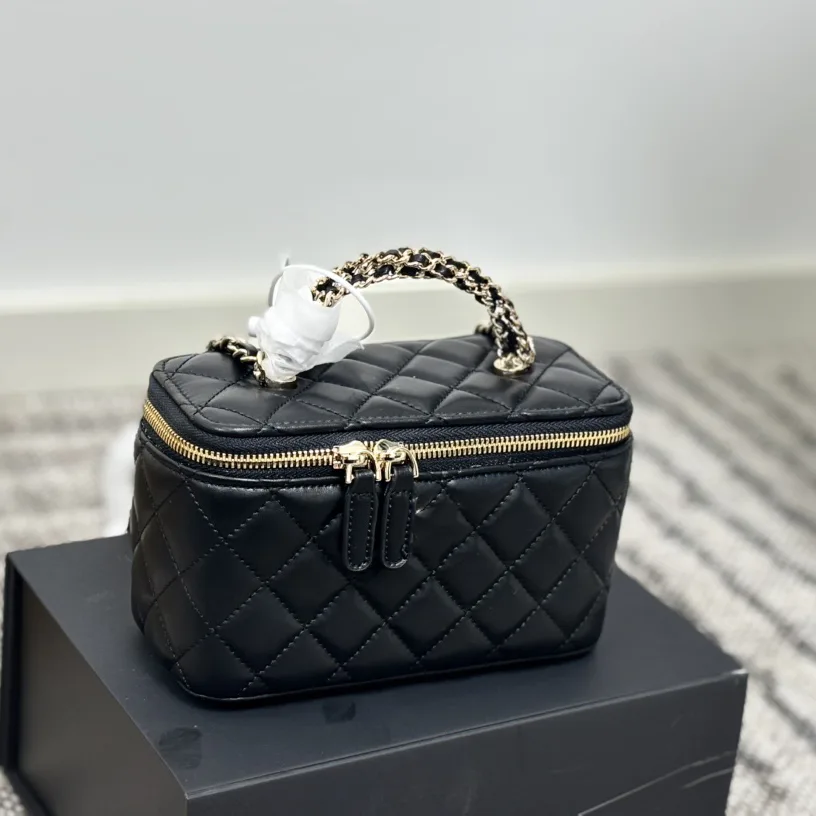
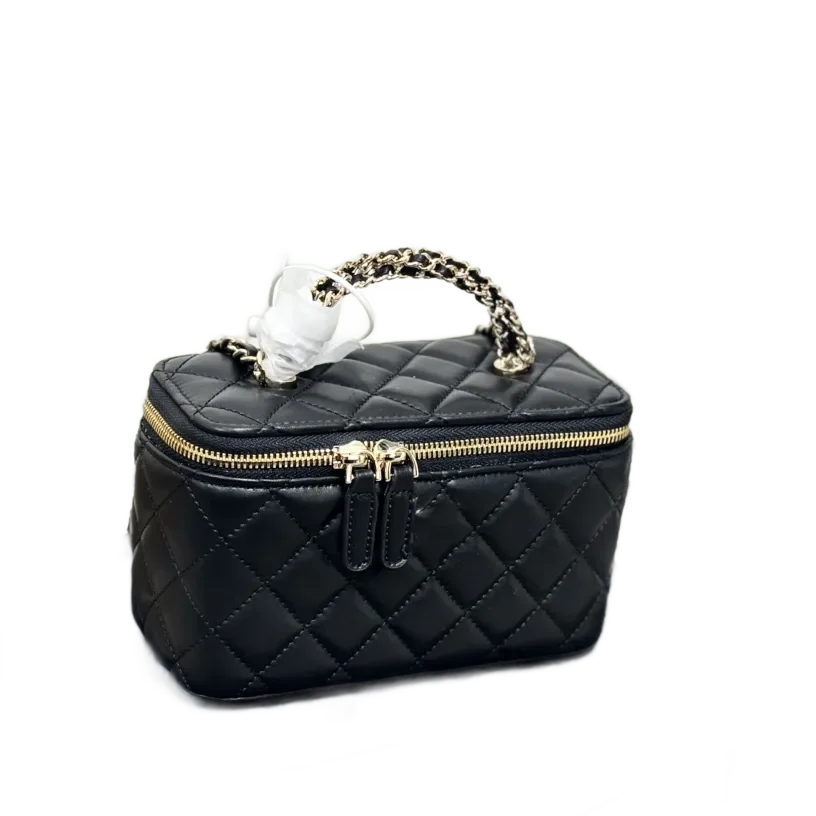
Quilted handbag
A dark product photographed on a dark surface, which is where most cutouts fail. The chain strap survives intact, including the gaps between its links.


Kitten portrait
Soft fur is the hardest edge there is. Individual strands around the ears and chest stay put rather than being clipped flat to a hard outline.
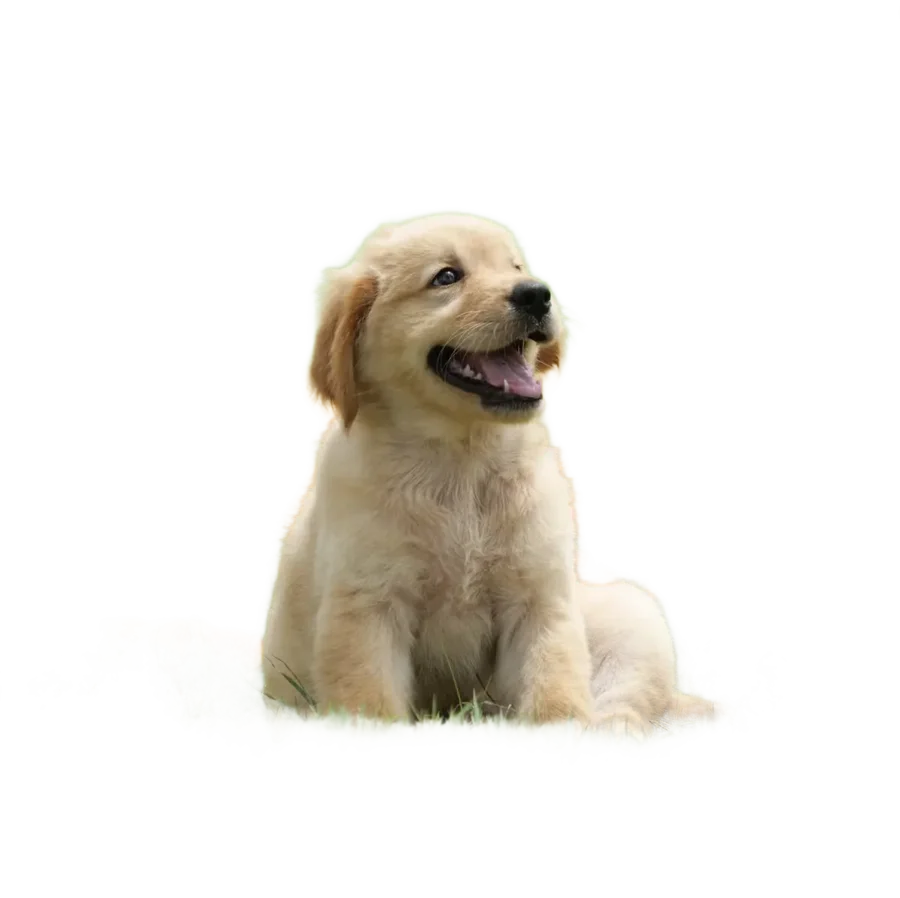
Golden retriever puppy
Long, wispy fur against a busy outdoor scene. The grass behind the coat is removed without smearing green into the fur itself.

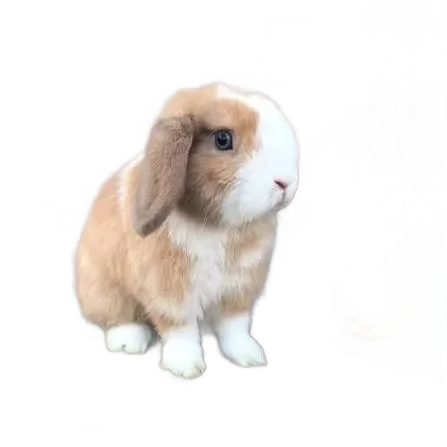
Lop-eared rabbit
Backlit ear tips and whiskers, exactly where a cheaper cutout leaves a grey fringe or eats the detail entirely.
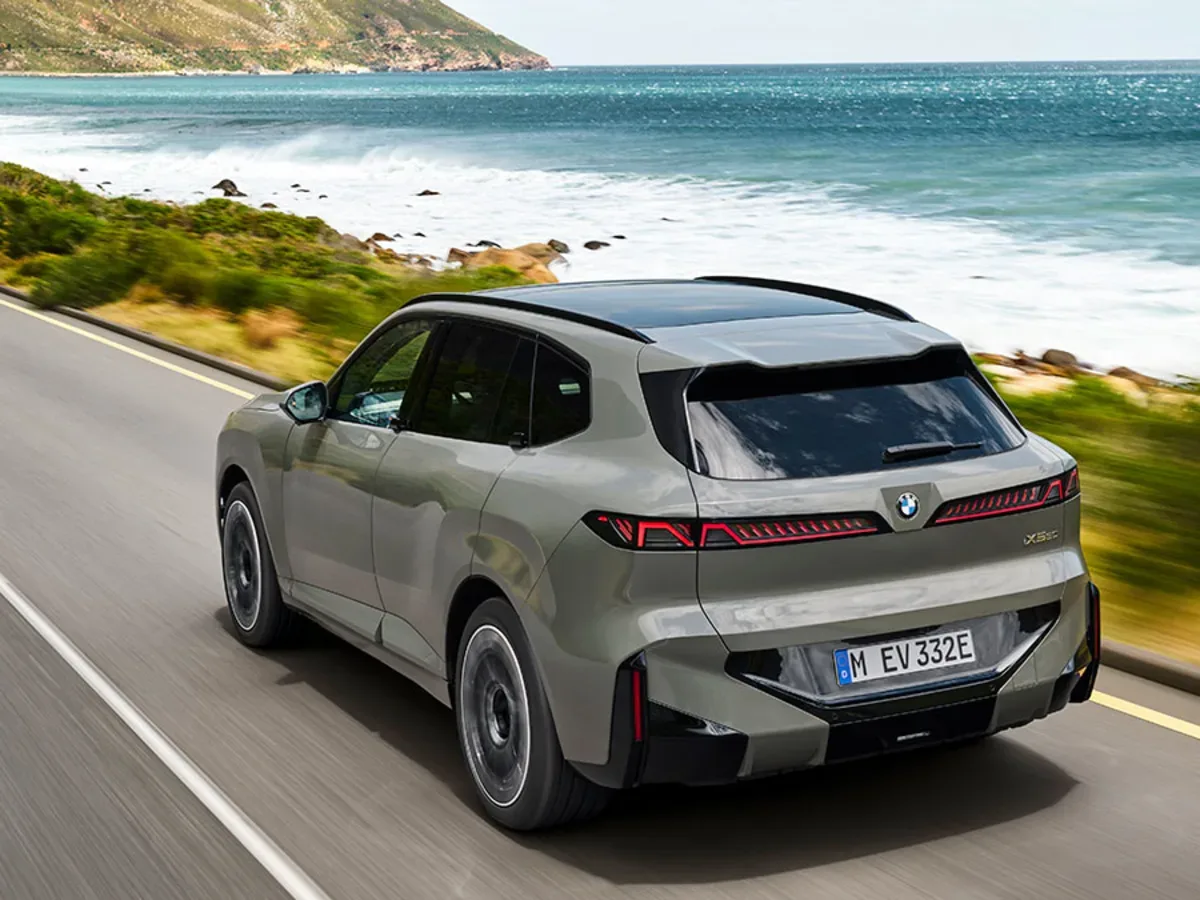
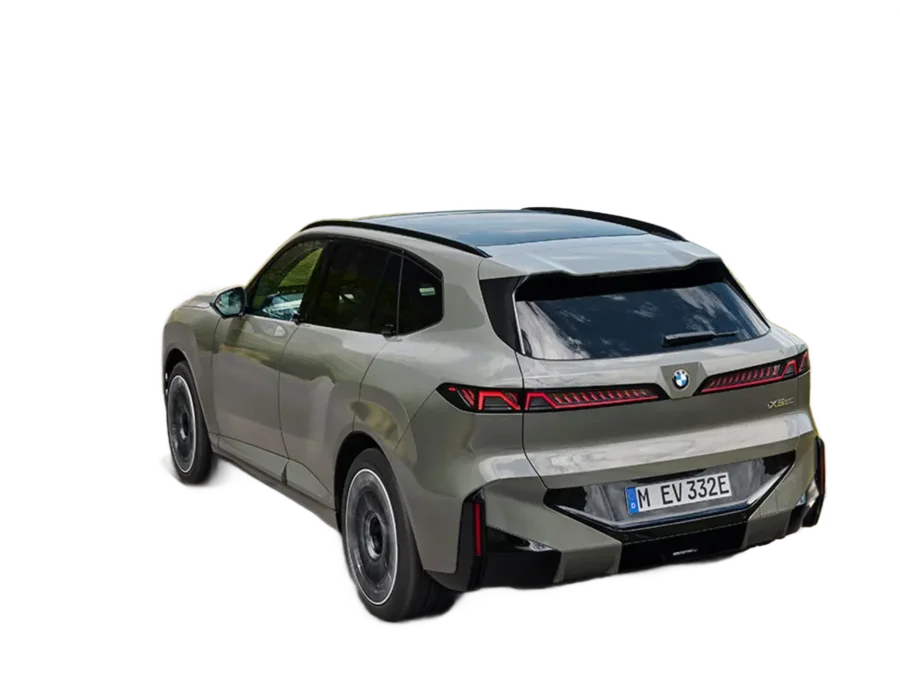
Vehicle listing photo
Reflective panels, tinted glass and wheel arches. The shadow pooling under the car leaves with the background rather than travelling with the subject.
How these cutouts were made
There is no queue, no credit balance and no upload step behind any of these results. The segmentation model is downloaded to your browser once and cached there, after which every image is processed on your own hardware. That is why the tool keeps working on a flaky connection, and why a batch of fifty product shots costs exactly what a single photo costs: nothing.
The output is a PNG with a real transparent background, at the resolution you started with. Drop it into Figma, Canva, Photoshop, Keynote, a Shopify listing or a slide deck and the subject arrives without a white box around it. If you would rather hand over a flat image, you can swap the transparency for a solid colour before downloading — the usual route for passport and ID photos.
Want to reproduce any of these? Four of the sample photos are one click away inside the tool itself. Open the background remover and pick one from the row of examples, or drop in a photo of your own and compare its edges against what you see here.