AI Watermark Remover
Clear the visible watermark ChatGPT, Gemini, Grok and Claude stamp on their own output. Built for AI watermarks only — not for stock-library logos or anyone else's branding.
Choose AI model
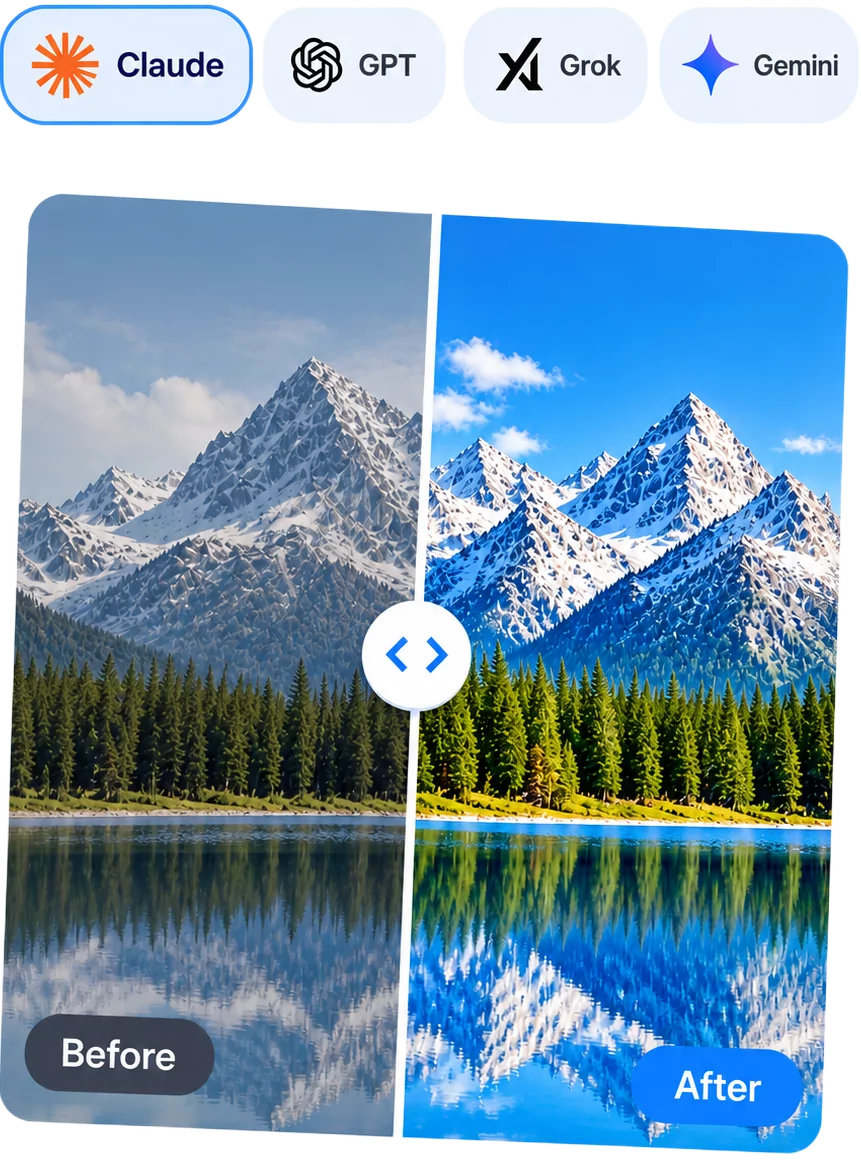
How to remove an AI watermark
Three steps, all of them on this page. No plugin to install, no queue position, and no credit balance to watch.
Step 1
Pick the model that made your file
ChatGPT, Claude, Gemini and Grok mark their output in ways that have almost nothing in common. Your choice in the picker sets how the mark is found, rather than applying one generic retouch to everything.
Step 2
The mark is found and the texture continued
What surrounds the watermark is read and that detail is carried across it at full resolution. Nothing is scaled down to make the job easier.
Step 3
Take the clean copy
Save the result, copy the output, or download the processed file, depending on your input type and what works best for your needs.
Built for AI watermarks and nothing else
This is not a general watermark remover. It repairs the mark a model puts on work you generated yourself, and it stops there.
Marks an AI model left on your own output
The coloured DALL·E corner strip, the Sora logo on a clip, the Gemini sparkle on an Imagen or Nano Banana picture, the Grok Imagine wordmark, and the branding Claude adds to exports. You generated the file, and the mark is the model signing its own work.
Stock libraries and other companies' branding
Shutterstock, Getty, iStock, Adobe Stock, Alamy and Freepik watermarks mark work somebody else owns, and the mark stands in for the licence. Clearing it is a copyright problem rather than a repair, so this tool will not do it.
Provenance signals and metadata
SynthID is woven through every pixel and C2PA Content Credentials live in the file itself. Both exist so that AI output stays identifiable, both survive a pixel repair, and neither is targeted here. That is a deliberate limit, not a gap.
Watermark types and which ones come off
Four categories of mark, and the difference between them decides whether any tool can help you. Most of the confusion on this subject comes from mixing them up.
We can remove this
An overlay drawn on the finished frame
A logo, a wordmark or a coloured strip painted on after the image is rendered — the DALL·E strip and the Gemini corner sparkle both work this way. It covers real detail rather than replacing it, which is what makes a repair possible: the texture around it can be read and continued across the gap.

We can remove this
An overlay that moves between frames
Video marks from Sora, Veo and Grok Imagine drift across the frame, or sit still while the shot behind them changes. Either way a single fix cannot serve the whole clip, so the frames have to be queued and each one repaired against its own surroundings.

We leave this alone
A signal embedded across every pixel
SynthID is the clearest example: an imperceptible pattern spread through the whole image and built to survive cropping, resizing, colour grading and compression. Nothing here targets it, clearing a corner has no effect on it, and any tool advertising SynthID removal is worth doubting.
We leave this alone
Provenance written into the file
C2PA Content Credentials and EXIF fields describe how a file was made. They never appear in the picture, they never sit over your subject, and repairing pixels leaves them exactly as they were.

Privacy and security
No account needed, and nothing kept beyond what it takes to hand your result back.
No account, no email address, and nothing to sign up for — drop in a file and get the result.
What you process here isn't sold, shared, or used to train anything. It's yours, start to finish.
Close the tab when you're done. There's no dashboard, no history, and no list of past files waiting for you.
Built to make the mark actually disappear
Every feature here exists because of something a quick online watermark remover usually gets wrong.
Four models, one picker
ChatGPT, Claude, Gemini and Grok each get their own handling, because their marks have almost nothing in common.
Real inpainting, not a crop
The texture around the mark is rebuilt across it instead of being cut off or blurred, so gradients and fine detail stay intact.
Handles video too
Export a Sora, Veo or Grok Imagine clip to frames and the tool repairs each one against its own surroundings before you reassemble it.
Lossless PNG export
Results save at the original dimensions, with nothing recompressed out from under you.
Batch of 30, one ZIP
Queue up to thirty files and download every result together instead of one at a time.
Free, no sign-up
No account, no credits, and no watermark of ours added on the way out.
AI watermark removal FAQ
What comes off, what does not, and what you are allowed to publish. Not covered here? Ask us.
Yes. There is no account to create, no credit balance and no trial that expires, and nothing you export carries a watermark of ours.
The visible marks the big four leave on their own output: the coloured DALL·E corner strip and the Sora logo from ChatGPT, the sparkle Gemini puts on Imagen and Nano Banana images, the Grok Imagine wordmark, and the branding Claude adds to exports. Pick the model in the tool and the mark is handled on its own terms.
The marked region is identified, the texture immediately around it is read, and that detail is continued across the gap. Nothing is cropped and nothing is scaled down, so the result keeps the framing and the resolution you started with. On gradients, skies, fabric and bokeh the repair is usually invisible.
No, and that is on purpose. A stock watermark marks an image somebody else owns and stands in for the licence you have not bought yet. This tool is scoped to marks an AI model left on work you generated yourself, so third-party and stock-library watermarks are out of scope.
No. SynthID and comparable systems spread a signal across the whole image and are built to survive cropping, resizing, recolouring and compression, so clearing a corner does nothing to them. They exist so AI output stays identifiable, we do not target them, and any tool claiming otherwise should be treated with suspicion.
They are left alone. Provenance metadata lives in the file rather than in the picture, so repairing pixels does not alter it. Anything that reads Content Credentials today will report the same result after the visible mark is gone.
It cleans the literal artefacts AI tools leave in text you paste: zero-width and invisible Unicode characters, odd spacing, and appended "generated by" sign-off lines. It does not and cannot strip a statistical watermark such as SynthID Text, and it is not a way to get past an AI detector.
No. Grok stills frequently arrive with nothing drawn on them, paid Gemini tiers drop the visible mark, and Claude does not generate photos in the first place. Plenty of files people assume are marked simply are not, which is worth checking before you edit anything.
Through frames. Export the clip as stills, queue them together, and reassemble the result at your original frame rate. Each frame is repaired against its own surroundings, which matters because the content behind a mark changes constantly even when the mark itself does not move. Thirty frames go through at a time and come back as one ZIP.
It depends on the terms attached to the plan that produced the file, and those terms change. Clearing a visible mark from something you generated for your own use is ordinary image editing; using it to misrepresent who or what made something, or breaching a provider agreement, is not. Read the current terms before publishing, especially for commercial work.
Related tools and next steps
Watermark gone? Here is where a clean file usually goes next.
Remove image background
Cut the subject out and drop in a transparent, solid or custom background.
Open the tool
Remove video background
The same background removal, applied frame by frame to a clip instead of a single image.
Open the toolPick your model and clear the mark
Free, no sign-up, no credits to spend. Thirty files a batch, and no watermark of ours on the way out.
Remove a watermark