Waiting…
Empty, not painted white
Transparent Background Maker
Take the scene out from behind your subject and keep the gap it leaves. What downloads is a PNG that holds real nothingness, so it sits on any colour without dragging a pale rectangle along with it.
Or drop your files here, or press Ctrl + V to paste Choose a photo, or several at once
PNG, JPG, WEBP, AVIF, GIF, BMP and HEIC · up to 30 images · max 25 MB each
Try it on one of ours first
Making a background transparent, start to finish
Four short moves, none of which involve a selection tool. The longest part is deciding which photo to use.
-
1
Bring in the picture
Drag it onto the panel above, paste from your clipboard, or browse your folders. Phone shots, scans, screenshots and downloads are all fair game, in any of eight formats.
-
2
Wait a second or two
The subject is separated from everything around it while you watch. There is no lasso to trace, no wand to click and no tolerance slider to fiddle with.
-
3
Keep it on Transparent
The workspace opens on the checkerboard swatch, which is the setting that preserves emptiness. Choosing a colour instead fills the cleared area rather than leaving it open.
-
4
Save the PNG
Press download and a transparent PNG lands in your folder at the size you supplied — no stamp in the corner, no shrunken preview, no account to make first.
The same file, on every backdrop you own
Nothing about the export changes across these nine tiles — same pixels, same edge, same PNG. What moves is only the surface sitting behind it, because the pixels outside the subject were never given a colour of their own.
Three subjects, three backdrops each: the chequerboard standing in for nothing at all, a solid brand colour, and a near-black panel where any leftover fringe would have nowhere left to hide.


Hair and fur fade, they don't stop
A hard cutout ends every strand on the same clean line, and that line is exactly what gives it away. The edge here is a gradient instead — dozens of partial values laid down wherever a strand thinned out in the original photograph.
That gradual falloff is what keeps loose hair, whiskers and static-charged fuzz from looking traced with a mouse. Nothing was painted back in afterwards — the softness was already sitting in the alpha channel.
Reflections and highlights stay exactly where they were
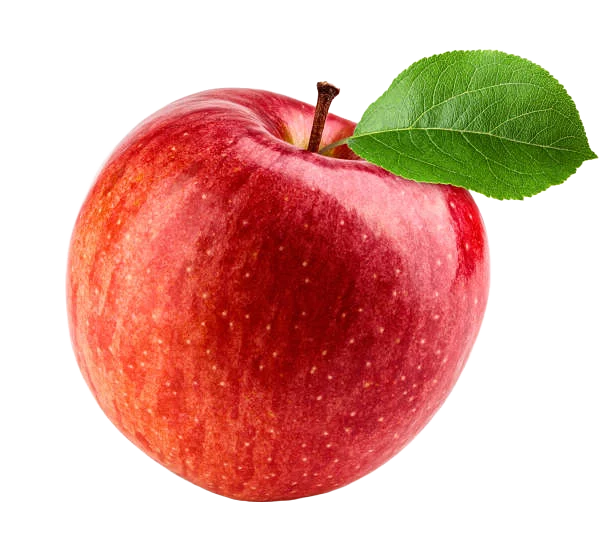
Cutting a subject out doesn't touch a single colour value inside it. The bright fleck on a glossy apple, the sheen along a curved surface, the catchlight in an eye — none of it is repainted, blurred or smoothed on the way out.
Only the boundary is new information; everything inside it is the original photograph, pixel for pixel, which is why a good cutout still looks lit by the light it was actually shot in.
Eight jobs a transparent background makes possible
Every one of them comes down to the same requirement: the picture has to land on something it was never photographed against.
01
Brand marks that travel
One file that behaves on a white deck, a dark nav bar and a printed tote, instead of three exports that drift apart over a year.
02
Decks and written reports
Sit a subject over a coloured slide and let the body text run up against its actual outline rather than around an invisible box.
03
Catalogue and listing photos
Hold one cut master and flatten copies onto whatever plain backdrop each sales channel demands this quarter.
04
Die-cut stickers and vinyl
Cutting plotters read the alpha boundary to build their cut path, so the blade follows your subject and not a rectangle.
05
Thumbnails and stream overlays
Float a cut-out person over a gradient or a gameplay frame and let their shoulders break past the edge of the panel.
06
Layered composites
Stack several cutouts into one scene and shuffle the order freely — nothing arrives carrying a patch of its old background.
07
Signatures and newsletters
Email clients repaint backgrounds without warning, especially in dark mode. A cutout adapts; a white rectangle announces itself.
08
Avatars, icons and profile art
Circular crops and rounded tiles clip cleanly when the corners hold nothing, which is what stops the pale wedge in the corner.
Drag the divider and the plank disappears
Whiskers are the hardest thing to cut and the easiest place to spot a bad job. Look closely at them as the handle passes.
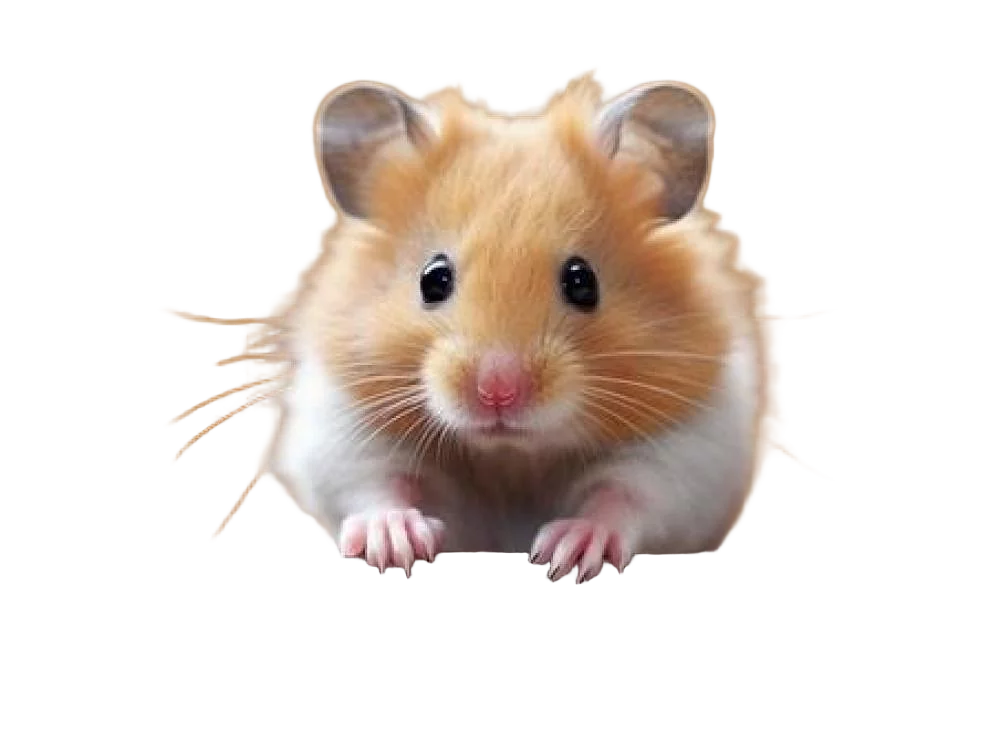

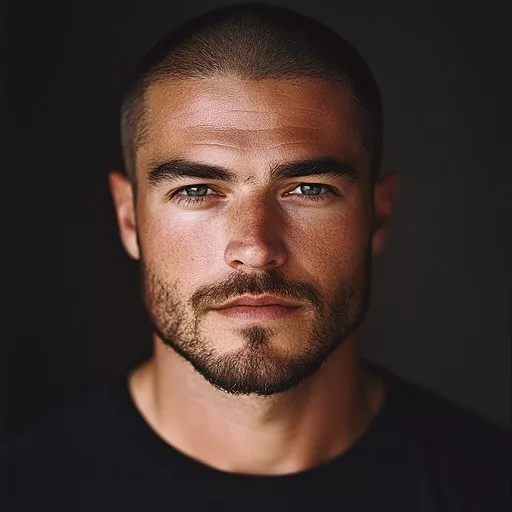
A person, a product and a pet, all cut to nothing
Dark-on-dark hair, a curved reflective surface and a face full of whiskers — three hard cases, one soft alpha edge.
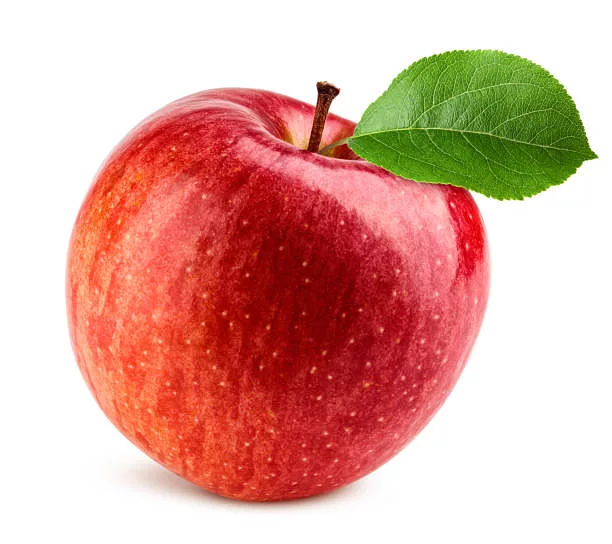
Check it is genuinely transparent
The fastest tell is the file name: anything saved as .jpg or .jpeg has already lost the alpha channel, however convincing the thumbnail looks, because the format has nowhere to keep it. Drop the same file onto a near-black background next — a leftover white rectangle, or a pale fringe left over from a bright original, hides easily on a white page and cannot hide at all there.
The other tell is what your own software shows you. Open the file somewhere that renders a grey chequerboard behind transparent pixels, which is what most image editors and file browsers do — if that pattern shows through where the background used to be, the alpha channel is real and doing its job.
Transparent background FAQ
What it is, which formats keep it and why it sometimes vanishes. Still puzzled? Ask us.
Add the picture to the tool at the top of this page, leave the swatch on Transparent when the cutout appears, and press download. The whole thing takes a few seconds and produces a PNG whose background is genuinely empty rather than painted over.
Alongside the red, green and blue values of each pixel, an image can store a fourth number describing how solid that pixel is. When the pixels outside your subject are set to zero, they show nothing at all, so whatever the picture is placed on appears through them. That is the entire trick.
PNG, WebP, AVIF, TIFF and SVG can all hold one; GIF manages a crude version; JPG and JPEG cannot hold one at all. The download here is PNG because it is lossless and there is effectively nowhere that refuses it.
That pattern is drawn by the program showing you the image, not stored inside it. Without it, an empty area and a white area would be impossible to tell apart on screen. It never appears in the file you download or anywhere you place it.
Something along the way re-saved the image into a format with no fourth channel, and filling the empty pixels with white is the only thing such a format can do. It is usually an upload that re-encodes to JPEG, or an app that flattens on import. Re-insert the original PNG instead of converting it.
No, because the boundary is not a hard line. Pixels along the edge are given partial values, so fine strands fade out over a short distance the way they do in life. That gradual falloff is what keeps a subject from looking stuck onto its new background.
There is no such thing, no matter which tool you try. The format simply has no place to record the information. Feed a JPG in by all means — plenty of people do — but the transparent version that comes back will be a PNG.
Yes on both counts. No account, no credits, no watermark and no cap on how many images you run. Nothing is uploaded either, because the model runs inside your own browser — the pictures stay on your machine the entire time.
Make your first background transparent
Nothing to install, nothing to pay for and nothing leaving your machine. The main background remover adds solid colours, batches and every other format.