Waiting…
Private JPG Background Remover
Lift the subject out of any JPG — phone snap, camera file or download — without uploading it anywhere. The cut happens on your device and comes back at full resolution.
Or drop your files here, or press Ctrl + V to paste Pick one photo or a whole batch
PNG, JPG, WEBP, AVIF, GIF, BMP and HEIC · up to 30 images · max 25 MB each
No JPG handy? Try one of these
Why use this JPG tool
The cut runs locally in your browser, so the JPG never leaves your device. Export a transparent PNG for design work, or flatten the same cutout onto a solid colour when a marketplace listing wants a plain background — free, at full resolution, no watermark, no account.
See real before and after pairs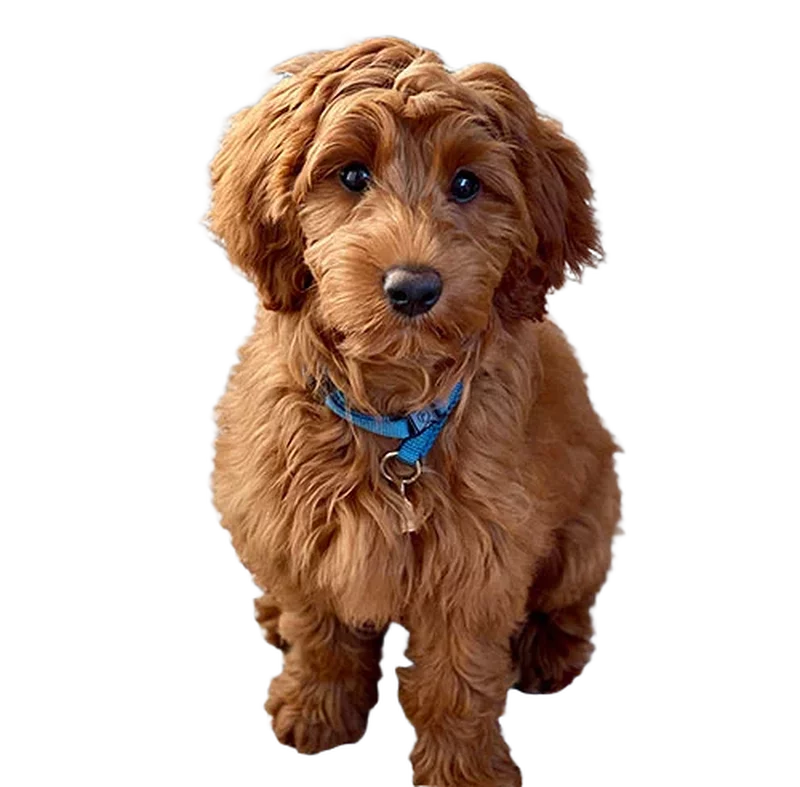
Examples after background removal
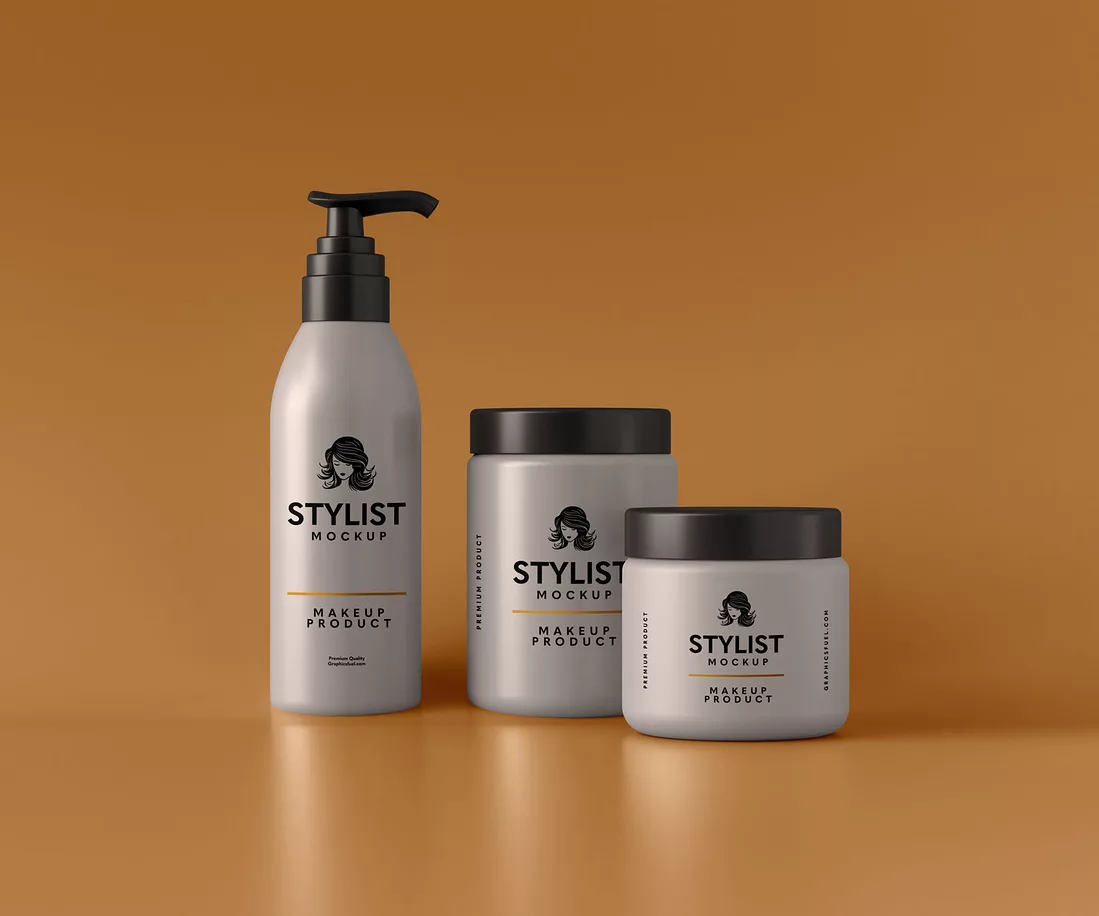
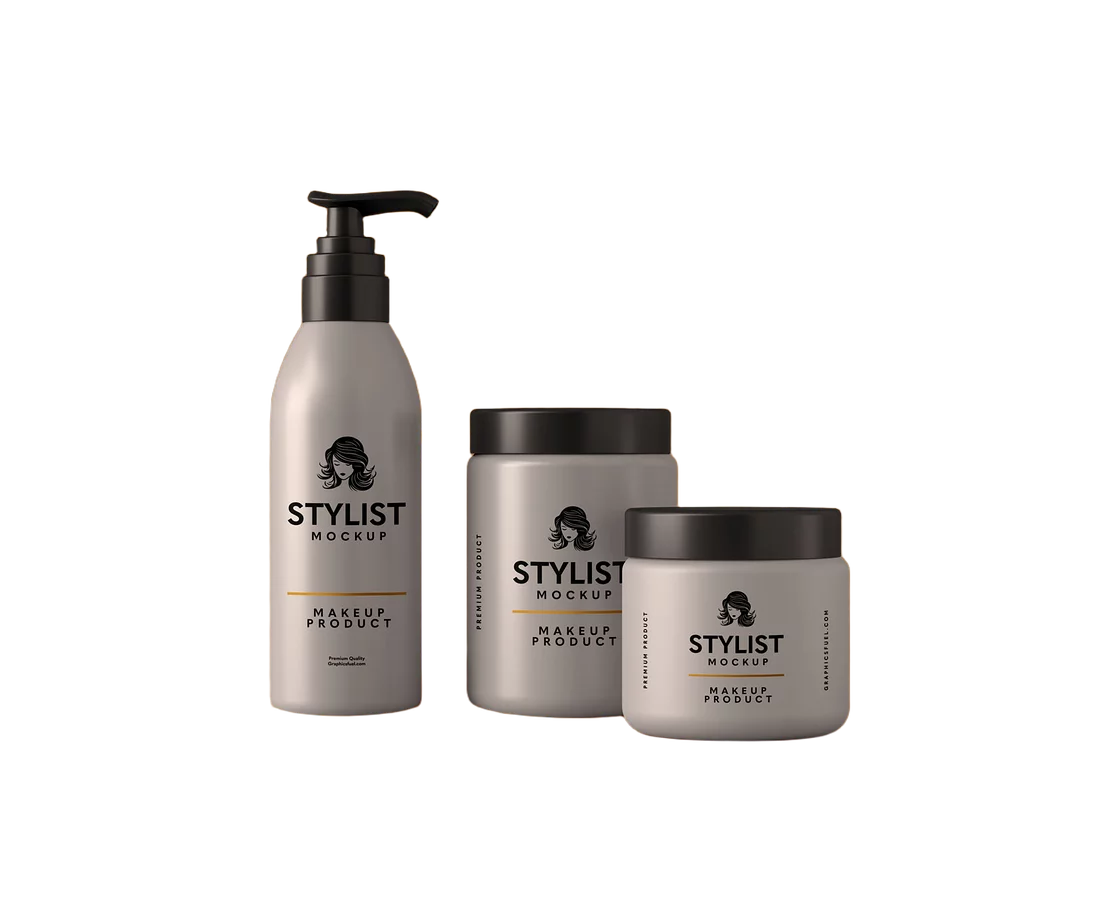
Drag the slider to see the cut, then browse three more JPG habits getting the same treatment.
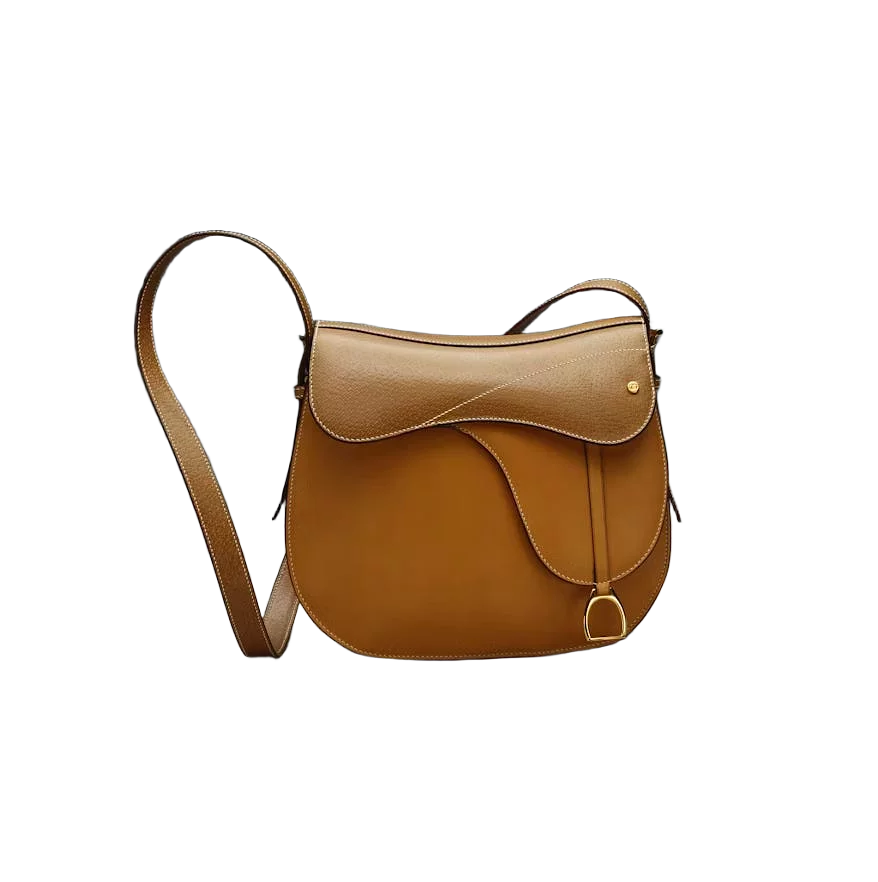
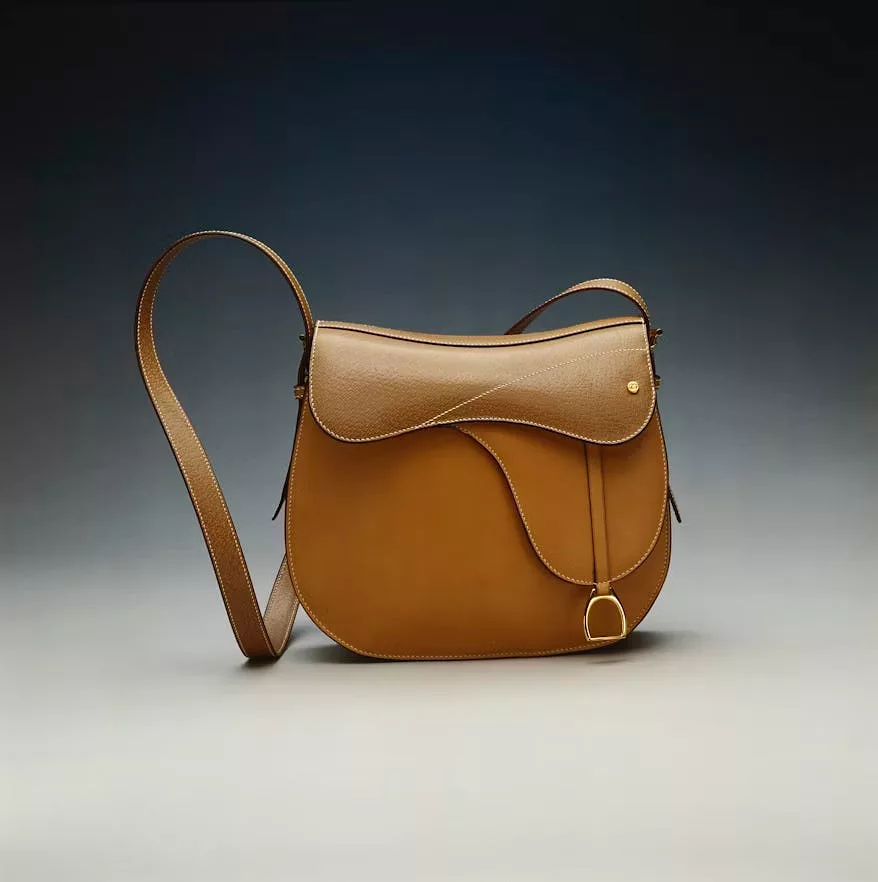

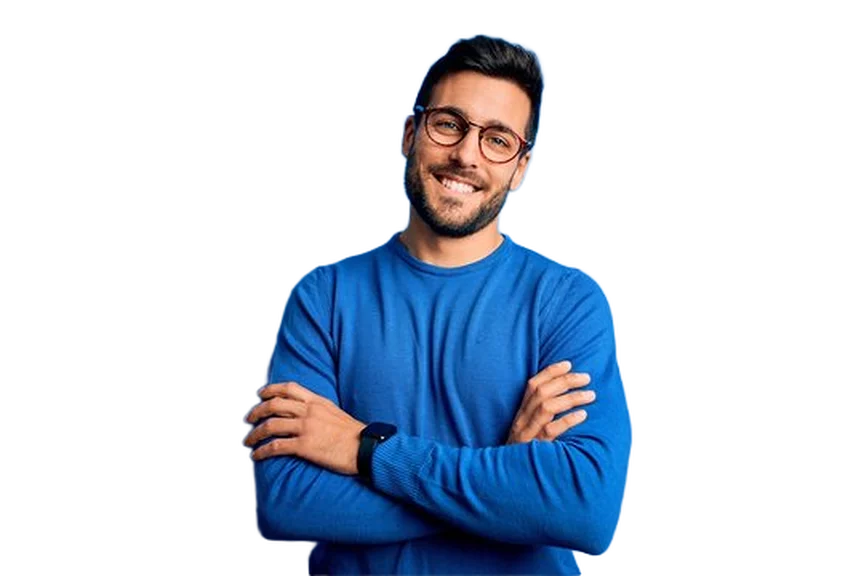

Use cases for a private background remover
If you have an image you would rather not share, or one that simply cannot leave your machine, this is exactly what a local, private JPG tool is for.
Photos you would rather not upload
ID cards, medical scans, financial documents — anything you would not paste into a random website. The JPG never leaves your device, so there is nothing to upload in the first place.
Unreleased product shots
Cut tomorrow's catalogue today without a cloud server holding a copy before launch. Nothing is transmitted, so an embargo stays an embargo.
No signal, no problem
Once the model has loaded once, disconnect entirely. This offline background remover keeps cutting backgrounds on a flight, on site, or anywhere the wifi does not reach.
Family and kids' photos
Cut out a photo of your own kids without it passing through a stranger's server first. A private background remover means the processing happens locally, in your own browser tab.
Bulk catalogues without limits
Thirty images a batch, no per-image cost and no daily cap, because every cutout is computed on your own hardware instead of ours.
Freelance and client work
Work under an NDA without asking whether a background remover counts as a third party. The tool runs client-side, so the file is never seen by anyone but you.
JPG background removal without the quality loss
Cutting a background out usually costs you a second round of compression, a resize, or colours that drift a little. Here, none of that happens.
The original JPG is decoded once, and the pixels that survive the cut are copied across untouched — colour profile, full resolution and all — then written into a lossless PNG, with hair, fur and other fine detail feathered at the edge instead of flattened into a hard outline.
Selling online
Do a whole catalogue at once
The plain background rule for listings
Most marketplaces want the main product photo on a plain background, usually pure white. Getting there from a JPG shot on a kitchen table takes two clicks.
Cut first, decide the background second
Keep the transparent PNG as your master. One cut can then be flattened onto white for one platform and onto a brand colour for another.
Pick white in the workspace, not in the room
A white swatch gives you a genuinely uniform background. A white wall photographed under warm light never does, and reviewers notice the difference across a grid of listings.
Check the current spec before a bulk run
Minimum size, accepted file types and how much of the frame the product must fill all differ by platform and change over time — read the one you are selling on rather than trusting a rule of thumb.
JPG background removal FAQ
Rotation, compression and which tool to reach for. Still stuck? Ask us.
Drop the JPG into the tool above and wait a few seconds. The AI separates the subject from everything behind it on your own device, then hands you the result to download. No selection, no eraser, no account.
Yes. The tool runs in mobile Safari and Chrome the same way it runs on desktop — there is nothing to install. WebGPU gives the fastest cut where it is supported, and the tool falls back to WebAssembly automatically where it is not.
No. Phone cameras save the pixels one way and add an EXIF flag telling viewers to display it rotated. The browser decodes the JPG through that flag, so the cutout comes out the way up you actually shot it, not the way the raw pixels are stored.
It should not. JPG compression leaves faint 8×8 pixel ringing around sharp edges, which is exactly the kind of noise that trips up a naive cutout. The mask here is predicted from the decoded image and feathered at the boundary, so it follows the subject rather than the compression artefacts around it.
Use whichever matches your file. Both run the same model and give you back a transparent PNG — the JPG tool exists because a JPG cannot store transparency itself, so the export always changes format, while a PNG input can sometimes already be transparent.
Never. The AI model is downloaded to your browser once and cached, and after that every photo is processed locally with WebGPU or WebAssembly. You can disconnect from the network after the page loads and the tool keeps working.
Yes. Select up to 30 at a time and they queue up one after another, then download together as a single ZIP. Mixing JPGs with PNGs or WebPs in the same batch is fine.
Ready to remove a background?
Same private engine behind this JPG tool, with batch uploads and more background colours in our main background remover.