Waiting…
Private JPEG Background Remover
Drop in a .jpeg and get the subject back on a transparent background in a few seconds. The cut runs on your own device, at the size your camera wrote, with no second round of compression.
Or drop your files here, or press Ctrl + V to paste Pick one photo or a whole batch
PNG, JPG, WEBP, AVIF, GIF, BMP and HEIC · up to 30 images · max 25 MB each
No JPEG handy? Try one of these
Remove background from JPEG, edge for edge
A camera file, a stock download, a shop export and a flat illustration. Four very different .jpeg habits, all cut on-device and saved as transparent PNGs at the size they arrived.
Silver handbag
Stock library JPEG
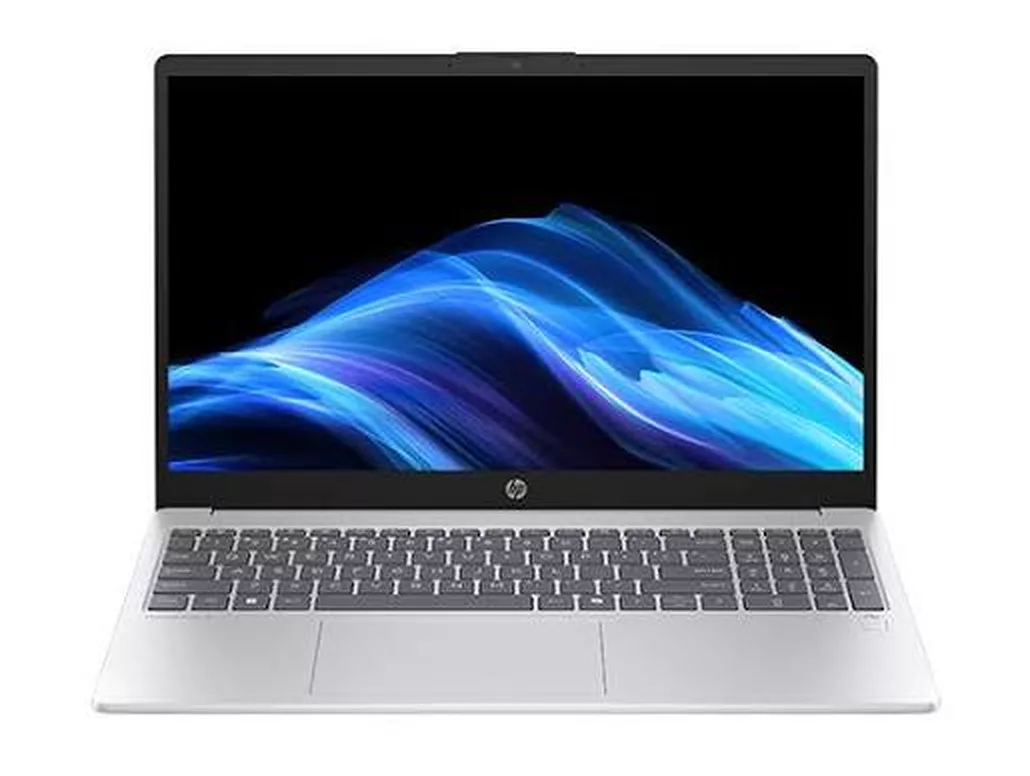
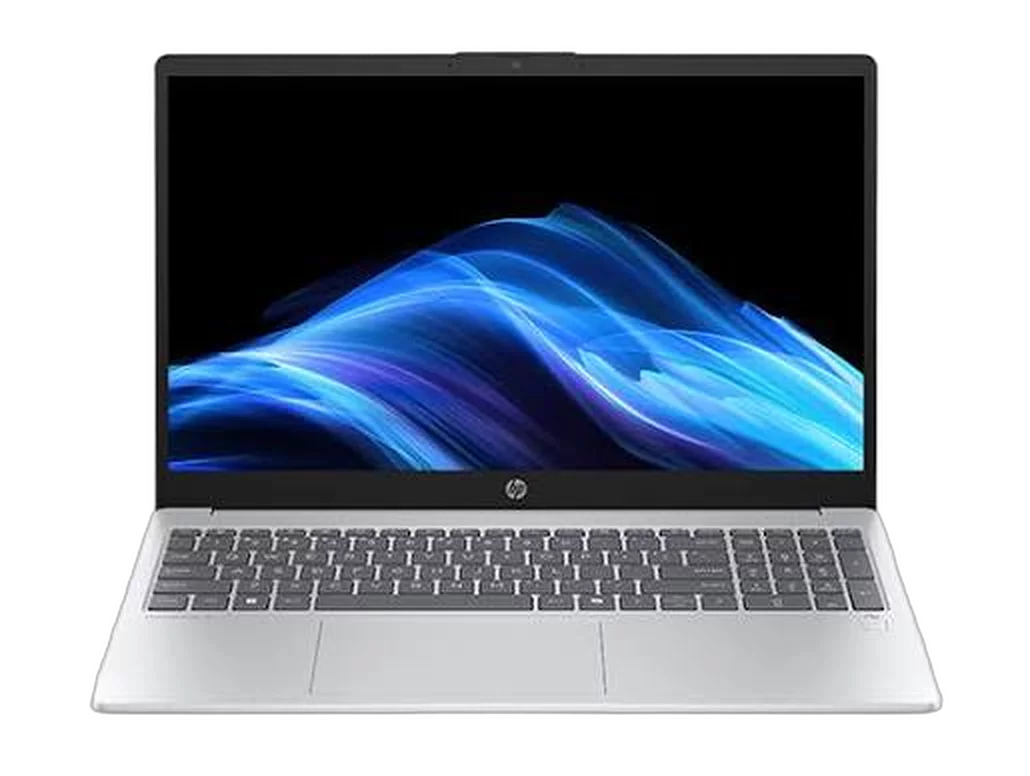
HP laptop
Shop export JPEG
Smartphone illustration
Stock illustration JPEG
Your JPEG never leaves your device
Most background removers ask you to hand the photo over first. This page has no upload endpoint, because there is no server doing the work — and that is something you can check yourself.
The segmentation model downloads once and caches in your browser; every .jpeg after that is decoded and cut on your own hardware, with no image bytes ever sent out. The cutout is rendered fresh from pixels too, so the camera metadata and GPS coordinates baked into your original never make the trip either. Close the tab and all of it — original, mask and cutout — is gone from memory.
Fast web workflow
Fast because nothing has to upload
On most online JPEG background removers the cut itself is quick and the waiting is all network. Take the round trip out and the clock starts the moment you drop the file.
No upload, no queue
A 12 MP camera JPEG is several megabytes. Sending it up and pulling a result back is usually slower than the cut itself — and on hotel Wi-Fi it is the whole story.
Your own GPU runs it
Where WebGPU is available the model runs on your graphics card and a single photo lands in about a second. Without it, WebAssembly takes over on the CPU — slower, same result.
Cached after the first run
The model downloads once and stays in your browser cache. Every visit after that opens ready to work, including on a flight with the Wi-Fi off.
Thirty at a time
Queue a folder of shop exports, download the finished cutouts while the rest are still running, then take the lot as one ZIP. No credits, no per-image meter.
How to remove a background from a JPEG in 3 steps
From .jpeg to transparent PNG without leaving this tab — no account, no credits, nothing to install.
Step 1
Add your .jpeg
Drag it in, paste with Ctrl + V, or browse your device. Camera files, 600 DPI scans and stock downloads all go in at full size, up to 25 MB each.
Step 2
The AI cuts the subject out
Your JPEG is decoded once, then a segmentation model predicts a soft alpha mask on your device — clean through hair, fur and product edges — and clears everything behind it.
Step 3
Download the transparent PNG
Save it at the original resolution, or drop in a background colour first if a marketplace wants a flat white listing photo rather than a cutout.
JPEG background removal FAQ
Quality, privacy, file sizes and what comes out the other end. Still stuck? Ask us.
Drop the .jpeg into the tool at the top of this page. The AI finds the subject, clears everything behind it and hands the cutout back within a few seconds. There is nothing to install and nothing to sign up for.
Yes, with no catch worth hiding. There are no credits, no watermark on the export, no resolution cap and no paid tier that unlocks the good version. The work runs on your own hardware, so there is no per-image cost for us to pass on to you.
No. The model is downloaded to your browser once and cached, then every image is processed locally. Nothing is stored, nothing is queued on a server, and closing the tab clears it from memory. You can even disconnect from the internet once the page has loaded and keep working.
Because the cutout has transparent pixels and the JPEG format has no alpha channel to store them in. The export is a PNG so the empty area stays genuinely empty. If you need a JPEG back, pick a background colour in the workspace first and the cutout is flattened onto it.
No. Your file is decoded once, the surviving pixels are carried across untouched, and the result is written into a lossless PNG. Opening a JPEG and re-saving it as a JPEG costs you a generation of quality every time — this skips that step entirely.
No. Every pixel that survives the cut keeps the value your camera or scanner wrote, so a file tagged sRGB, Adobe RGB or Display P3 comes back looking like the original. The only thing that is new is the alpha channel.
No — same format, same bytes, same result. The three-letter spelling survives only because early Windows filenames were limited to three characters after the dot. Renaming one to the other changes nothing, and both work here.
Up to 25 MB per file. Large scans do well, because the mask is predicted at a working size and then applied back at full scale — so a 600 DPI scan exports at 600 DPI with its edges intact.
Yes. Select up to 30 files at a time and they queue up one after another. You can download each cutout as it lands, or take the finished set as a single ZIP when the batch is done.
Cut your first JPEG in about a second
No sign-up, no watermark, no upload. Drop a .jpeg in and keep the resolution you started with.